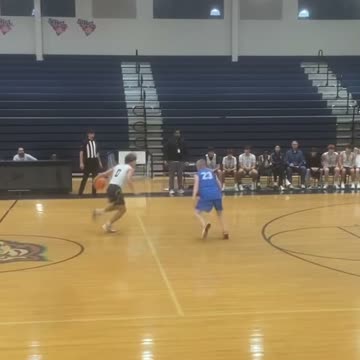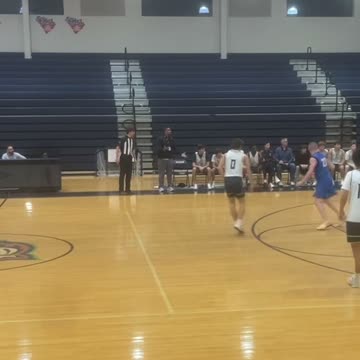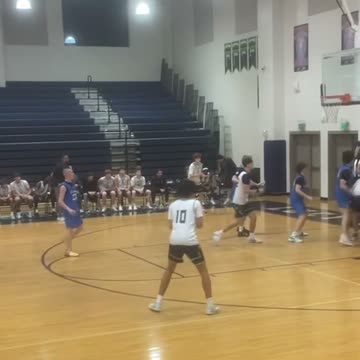
Record the game on your phone like you always do. Then watch it back in Snapback and tap once after every great play. Each tap is a clip. Spotlight your player, zoom in, build a reel, and send it in full quality.
Download on theFree to start · Works with the videos already in your camera roll
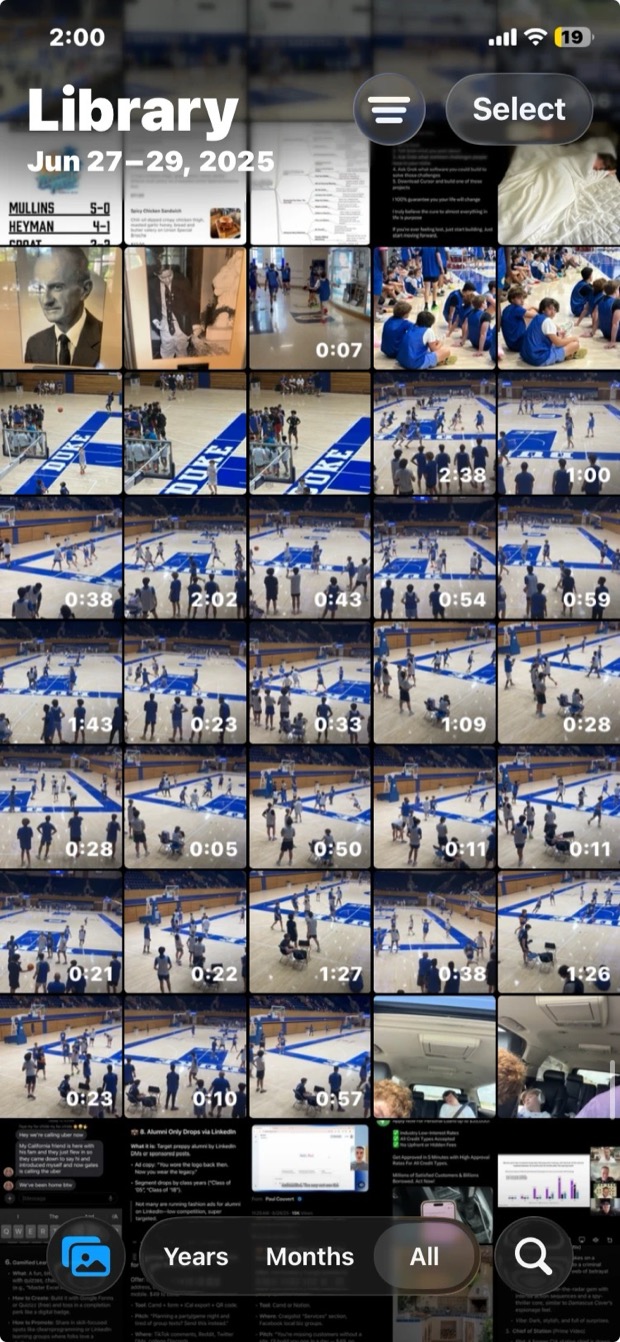

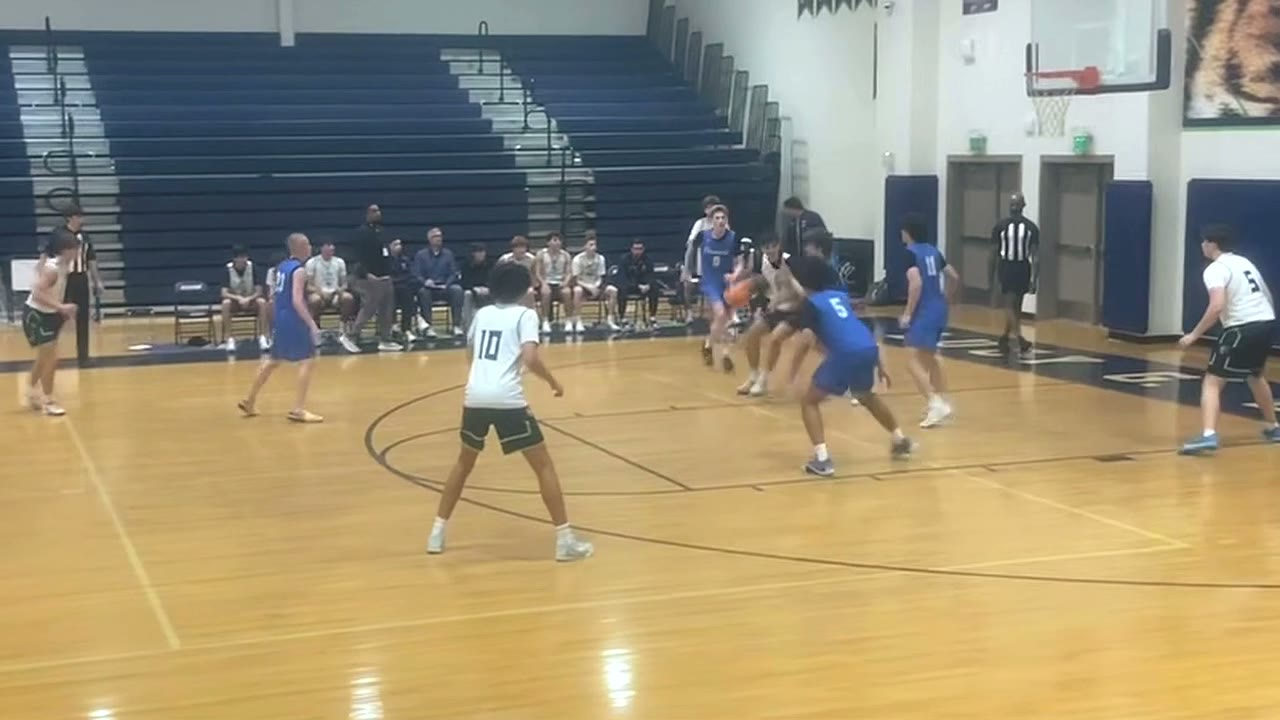
Film the game with your regular camera app, then choose the video in Snapback. One game or several. Clips are cut right on your phone, so there is no waiting.
Right after a great play, tap once. It grabs 12 seconds back plus 3 forward — a 15-second clip.
Text it, post it to Instagram, or save it. Texting adds a link to the full-quality version, so nobody gets a blurry clip.

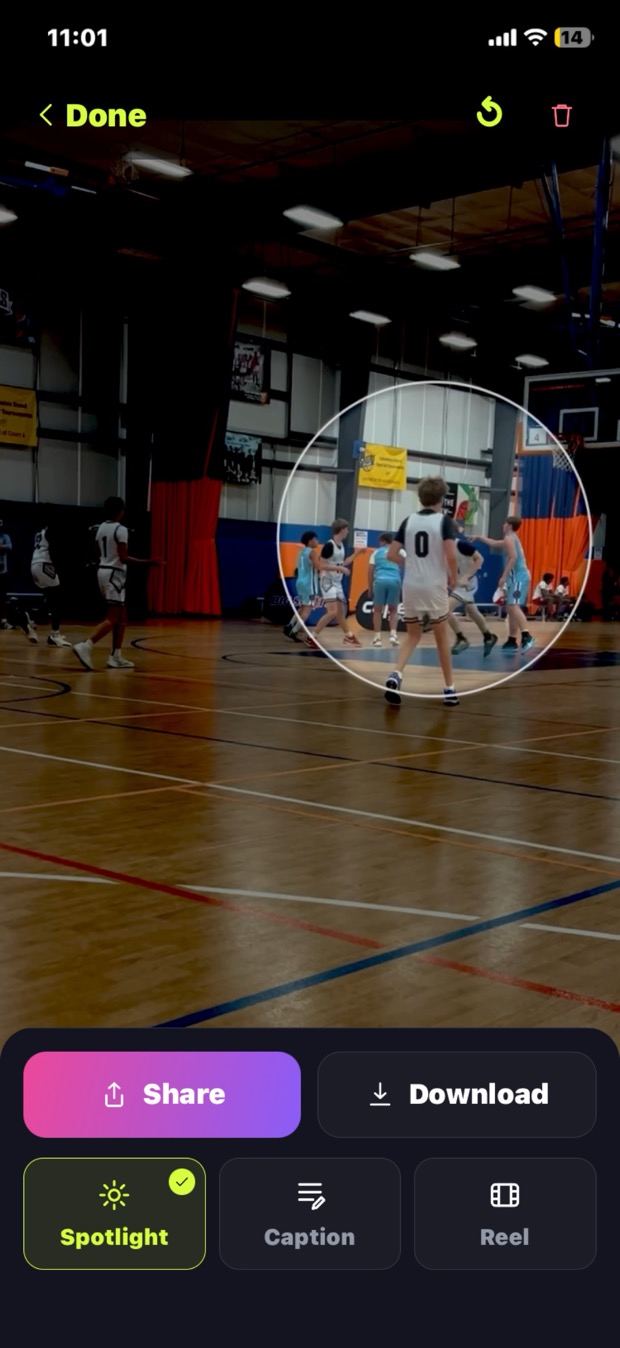
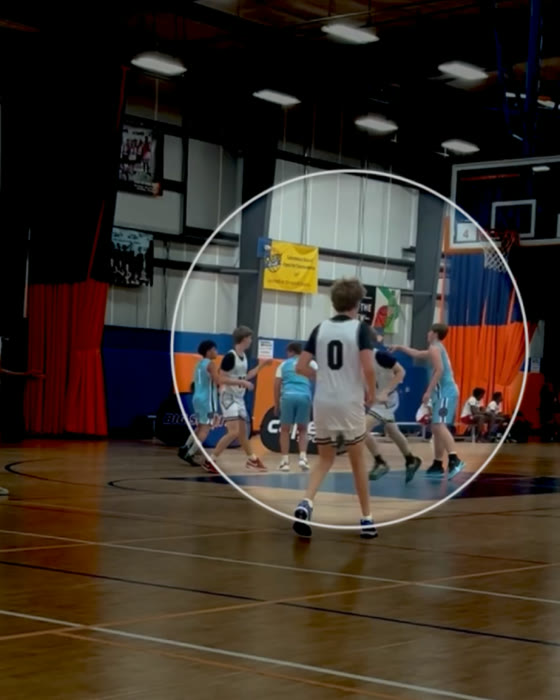
The play freezes, the court dims, and a spotlight lands on your kid, so everyone knows who to watch. Then the play rolls on.


Pinch and drag to frame the action, and the whole clip becomes a closer shot. Spotlight and captions still work on top.
1
2
3Auto reel puts a game's best plays together with music in one tap. Reorder, trim to just the play with Tight cut, and edit any clip inside it.

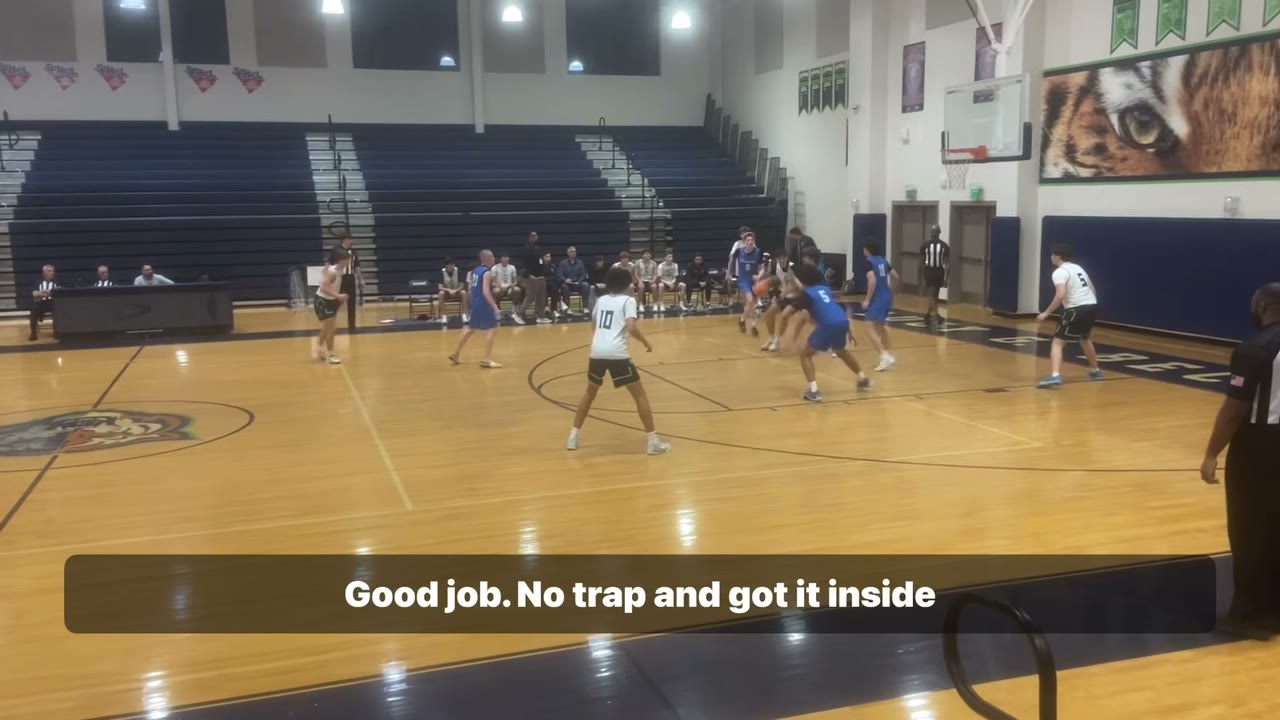
Add a caption across the bottom. One tap makes any clip or reel vertical, and the Instagram button sends it straight to a Reel or Story.
$0
Everything you need to clip and share.
$19.99/year · or $4.99/month
About $1.67 a month on the yearly plan.
Prices in USD. Pro is an auto-renewing subscription through your Apple ID; cancel any time in your iPhone settings. Terms
Free to start · iPhone
Got a team code? Redeem your free month of Pro →
Coach or team organizer? See the partner program →